
Train Tickets Sold Out? Try Connecting Train!
If you frequently travel between cities by train, finding a schedule that suits your needs can sometimes be challenging. When booking tickets, most passengers prefer a direct train from their departure station to their destination. However, this can become a problem during peak travel seasons when many people are competing for train tickets or when direct services to the desired destination are unavailable.

Train Tickets Sold Out? Try Connecting Train!
There's no need to worry! With the Connecting Train feature in the Access by KAI app, you can find alternative routes to reach your destination by using connecting train tickets.
So, What Is Connecting Train?
The Connecting Train feature in the Access by KAI app allows you to find train options when your desired destination does not have a direct train service, search for alternatives when direct train schedules do not match your preferred departure time, or find available tickets when direct train tickets for your desired route have sold out. Please note that the Connecting Train feature is only available for intercity train schedule searches.
How Do You Use This Feature?
To use the Connecting Train feature, start by opening the Access by KAI app on your device and logging into your registered account. On the home page, select the Intercity menu. Enter your travel details, including your departure station, destination station, travel date, and number of passengers. Then click the "Search Intercity Tickets" button.
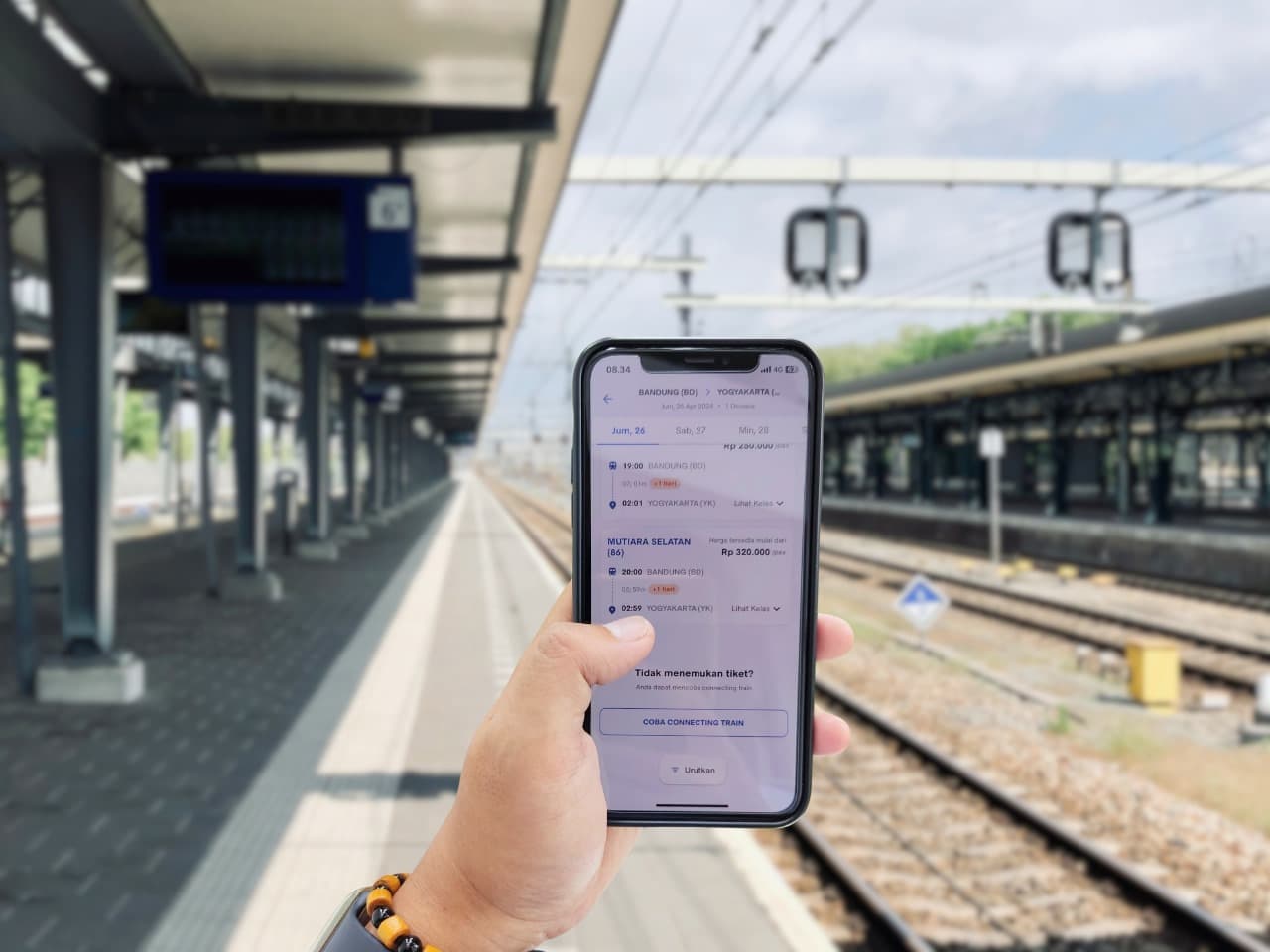
If the ticket you are looking for is unavailable, you will see a "Connecting Train" button. Click the button to continue your search. The system will then look for available train tickets that allow you to reach your destination using connecting train services.
You can also add optional services (add-ons), such as insurance, bicycle baggage, and Bluebird taxi services, when booking Connecting Train tickets. Although your journey consists of two trains, you can still add optional services separately for each train.
How the Connecting Train Feature Works
A maximum of two trains can be selected for a Connecting Train journey, which means you will receive two separate booking codes. The Access by KAI app automatically searches for combinations of two direct train services with a minimum transfer time of one hour and a maximum of 24 hours. You may also reschedule or cancel either one of the train bookings or both, depending on your needs.
If the first train is delayed and you miss your connecting train, passengers using the Connecting Train feature have the following options:
If the delay exceeds three hours, the connecting train ticket may be canceled, and you are entitled to a 100% cash refund at the station ticket counter for the ticket fare, excluding the booking fee (if applicable).
If the delay is less than three hours, Article 13 Paragraph (6) of the Terms and Fares for Passenger Rail Transportation (STP) applies. Under this provision, the connecting train ticket is considered forfeited, and no refund will be provided.
KAI Vice President of Public Relations Joni Martinus stated that the Connecting Train feature not only provides a practical solution for booking train tickets but also creates a more convenient and enjoyable travel experience for customers.
"So, don't hesitate to use the Connecting Train feature in the Access by KAI app when planning your train journey. To avoid running out of tickets, we encourage customers to book their tickets well in advance," Joni concluded.